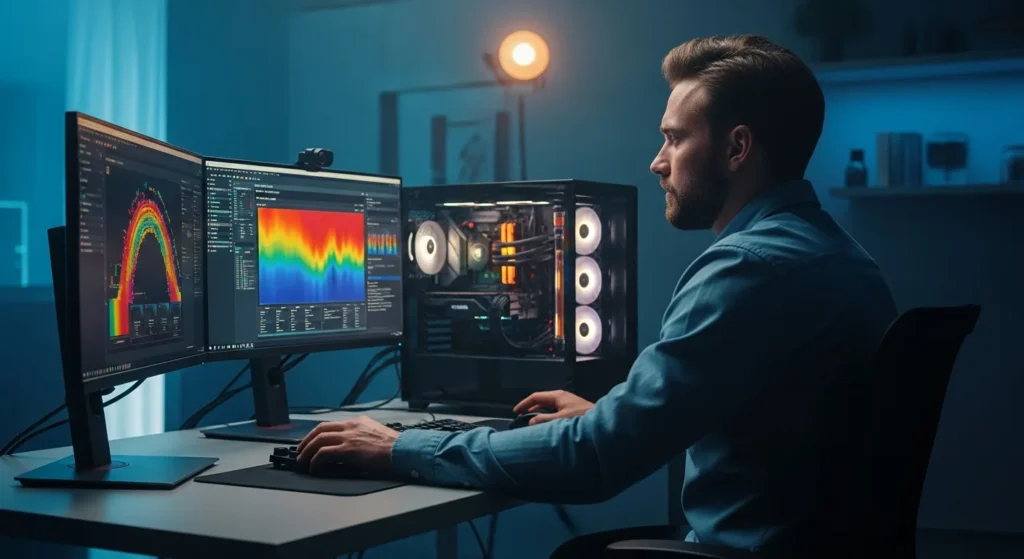
What is a Computer Stress Test and Why Does It Matter?
A computer stress test is a rigorous process designed to push a machine’s hardware components to their absolute limits. The primary goal is to ensure that the system remains stable under extreme workloads that exceed typical daily usage. For a power user, this is a critical step in verifying that his hardware can handle demanding tasks like 8K video rendering, complex simulations, or high-end gaming without crashing.
In 2026, as hardware becomes increasingly efficient yet thermally dense, understanding how a system reacts to heat and high power draw is more important than ever. If a builder has just finished assembling a new rig, he needs to know that his cooling solution is adequate. By running these tests, he can identify potential points of failure before they cause data loss during a critical project.
Key Components That Require Rigorous Testing
Not all stress tests are created equal. To get a complete picture of system health, a technician must evaluate each core component individually. This isolation helps him pinpoint exactly which part of the system might be unstable.
Stress Testing the CPU
The Central Processing Unit is the brain of the machine. Testing it involves running mathematical calculations that force every core and thread to operate at 100% utilization. This generates significant heat. Tools like Prime95 or Cinebench are industry standards. If a user notices his clock speeds dropping significantly during the test, he is likely experiencing thermal throttling, meaning his cooler cannot keep up with the CPU’s heat output.
Pushing the GPU to Its Limits
The Graphics Processing Unit is often the most power-hungry part of a modern build. A GPU stress test focuses on texture rendering and complex shaders. It is essential for checking the stability of a factory overclock or a manual tune. When a gamer runs a loop of 3DMark, he is looking for visual artifacts or driver crashes that indicate the GPU is being pushed too far.
Ensuring Memory Stability
RAM instability can be the most frustrating issue to diagnose because it often leads to random Blue Screens of Death (BSOD). A thorough memory test writes and reads data across every sector of the RAM modules. Before a professional relies on his workstation for heavy data processing, he should consult hardware optimization resources to understand the best timings and voltages for his specific memory kit.
Best Software Tools for Hardware Validation
Choosing the right software is half the battle. In the current tech landscape, several tools have emerged as the gold standard for enthusiasts and professionals alike:
- OCCT (OverClock Checking Tool): An all-in-one suite that tests CPU, GPU, and Power Supply stability while providing detailed graphs.
- AIDA64: Excellent for system-wide stability testing and provides the most comprehensive sensor monitoring available.
- MemTest86: The definitive tool for memory testing, run from a bootable USB drive to ensure the OS doesn’t interfere with the results.
- FurMark: A “power virus” for GPUs that generates extreme heat to test the limits of a cooling shroud.
When a user wants to evaluate his machine’s overall health beyond just the breaking point, he might start with a standard computer performance test to establish a baseline before moving into these more intensive procedures.
Safety Precautions Before You Begin
Running a computer stress test is not without risks. Because you are intentionally forcing hardware to run at maximum capacity, you must monitor the situation closely. A responsible user should never leave his machine unattended during the first 30 minutes of a stress test.
Monitor Temperatures: Use software like HWMonitor or HWiNFO64 to keep an eye on thermal sensors. If the CPU exceeds 95°C or the GPU hits 90°C, he should terminate the test immediately to prevent permanent hardware damage. Modern components have built-in safeguards, but it is always better to be cautious.
Check the Power Supply: Ensure the PSU has enough headroom. A stress test pulls maximum wattage from the wall. If the power supply is under-specced, it could shut down the entire system or, in worst-case scenarios, fail and damage other components.
Analyzing the Results
A successful stress test is one where the computer runs for several hours without crashing, rebooting, or displaying errors. For most users, a 2-hour loop of a heavy benchmark is sufficient. However, for a professional who demands 24/7 uptime, he may choose to run a CPU stress test for a full 24 hours to guarantee absolute stability.
If the system fails, the user must dial back his overclock or improve his cooling. He might need to re-apply thermal paste or add more intake fans to his chassis. Once the adjustments are made, he should repeat the test until he achieves a stable result.
Frequently Asked Questions
Can a stress test damage my computer?
If the hardware is functioning correctly and the cooling is adequate, a stress test will not cause damage. However, if there is a pre-existing defect or the cooling is insufficient, the extreme heat could accelerate a failure. Most modern components will shut themselves down before they reach dangerous temperatures.
How long should I run a computer stress test?
For general gaming stability, 1 to 2 hours is usually enough. For professional workstations or servers, most experts recommend running the test for 12 to 24 hours to ensure there are no hidden errors that only appear under prolonged heat soak.
What should I do if my PC crashes during a test?
If the PC crashes, it means the current settings are unstable. The user should check his temperatures first. If heat isn’t the issue, he may need to increase the voltage to his components or lower the clock speeds until the system can complete the test without error.
Does stress testing shorten the lifespan of hardware?
While technically everything has a finite lifespan, running a stress test for a few hours is comparable to a heavy gaming session. It will not significantly shorten the life of the components unless they are consistently run at dangerously high voltages and temperatures for years.