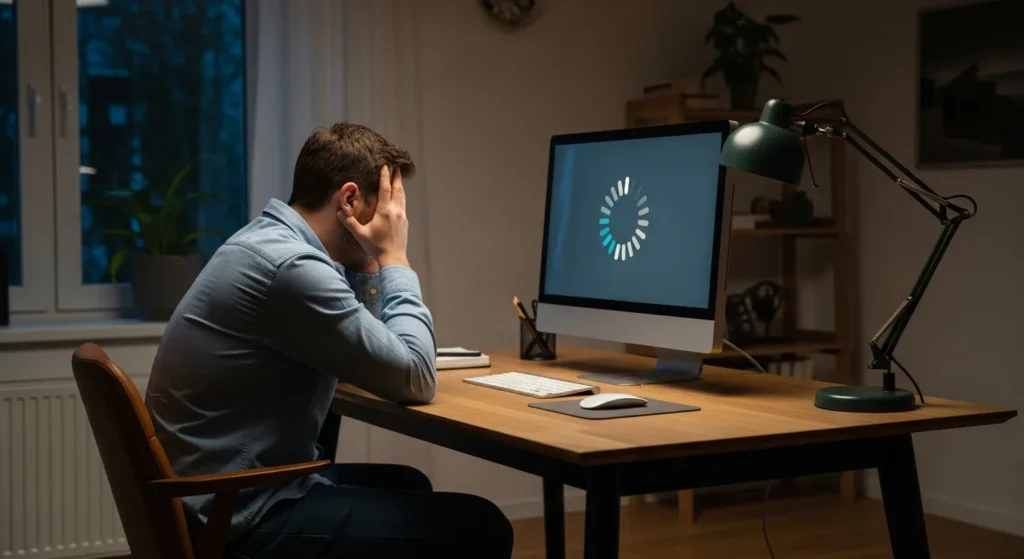
Understanding the Frustrating Restart Loop
Finding that your computer is stuck restarting can be one of the most exasperating experiences for any user. One moment he is working on an important project, and the next, the screen goes black, only to show the manufacturer’s logo over and over again. This phenomenon, often called a boot loop, occurs when the operating system fails to complete its startup sequence and triggers a reboot to protect itself from potential damage.
In 2026, with the increasing complexity of AI-integrated operating systems and hybrid hardware architectures, these loops can stem from various sources. Whether it is a corrupted update, a failing power supply, or a driver conflict, a systematic approach is required to get the machine back to a functional state. Before he panics about data loss, he should understand that most restart loops are solvable through software adjustments or minor hardware reseating.
Immediate Steps to Break the Boot Cycle
The first goal when a PC is stuck in a loop is to break the cycle and gain access to diagnostic tools. If the computer cannot even reach the login screen, he must intervene manually.
Perform a Hard Reset
Sometimes, residual electricity in the capacitors can cause logic errors during the Power-On Self-Test (POST). To fix this, he should shut down the computer entirely, unplug the power cable, and hold the power button for 30 seconds. For laptop users, if the battery is removable, he should take it out during this process. After reconnecting the power, he can attempt a fresh boot to see if the cycle is broken.
Booting into Safe Mode
Safe Mode loads only the most essential drivers and services. If the computer boots successfully in Safe Mode, the culprit is likely a third-party driver or a recently installed application. To enter Safe Mode in modern systems, he may need to interrupt the boot process three times in a row by holding the power button, which triggers the Automatic Repair environment. From there, he can navigate to Troubleshoot > Advanced options > Startup Settings > Restart and select the option for Safe Mode.
Advanced Troubleshooting Techniques
If basic steps fail, the issue likely resides deeper within the system configuration or the physical hardware components.
Using System Restore
System Restore is a lifesaver when a recent change has destabilized the environment. By selecting a restore point created a few days prior, he can roll back the registry and system files to a known working state. This process does not delete personal files, making it a safe first-tier advanced fix. If these DIY steps fail to yield results, he might need to consult a professional computer repair service guide to find a technician who can handle complex motherboard or BIOS-level issues.
Checking for Hardware Malfunctions
Hardware failure is a common physical cause for a computer stuck restarting. Overheating is a primary suspect; if the CPU reaches critical temperatures, it will force a reboot to prevent permanent damage. He should ensure all fans are spinning and the vents are clear of dust. Additionally, faulty RAM sticks can cause the system to crash during the kernel loading phase. He can try removing one stick of RAM at a time to identify if a specific module has failed.
How to Prevent Future Restart Issues
Once the system is stable, maintenance is key to ensuring the loop does not return. Keeping drivers updated and performing regular disk checks can catch errors before they become critical. Furthermore, once the system is stable, running a computer performance test guide will help ensure that no underlying hardware stress or thermal throttling is causing the instability under heavy workloads.
In 2026, many operating systems offer proactive health monitoring. A user should check his system logs periodically to see if there are recurring “Warning” or “Error” flags that precede a crash. By being proactive, he can resolve minor glitches before they escalate into a full-blown boot loop.
Frequently Asked Questions
Why does my computer keep restarting before Windows loads?
This is usually caused by a corrupted boot configuration or a hardware failure during the POST process. It means the system encountered a critical error before it could even initialize the operating system GUI.
Can a virus cause a computer to stay stuck restarting?
Yes, certain types of malware, particularly rootkits, can interfere with the boot sequence. If he suspects an infection, he should run an offline virus scan from a bootable USB drive.
Does a restart loop mean my hard drive is dead?
Not necessarily. While a failing drive can cause boot issues, it is more commonly a software conflict or a corrupted update. However, if he hears clicking sounds, he should back up his data immediately as it indicates mechanical failure.
Should I reinstall Windows if I am stuck in a loop?
Reinstalling the OS should be a last resort. He should first try Startup Repair, System Restore, and Safe Mode. A clean install will fix software issues but will not resolve hardware-related reboots.