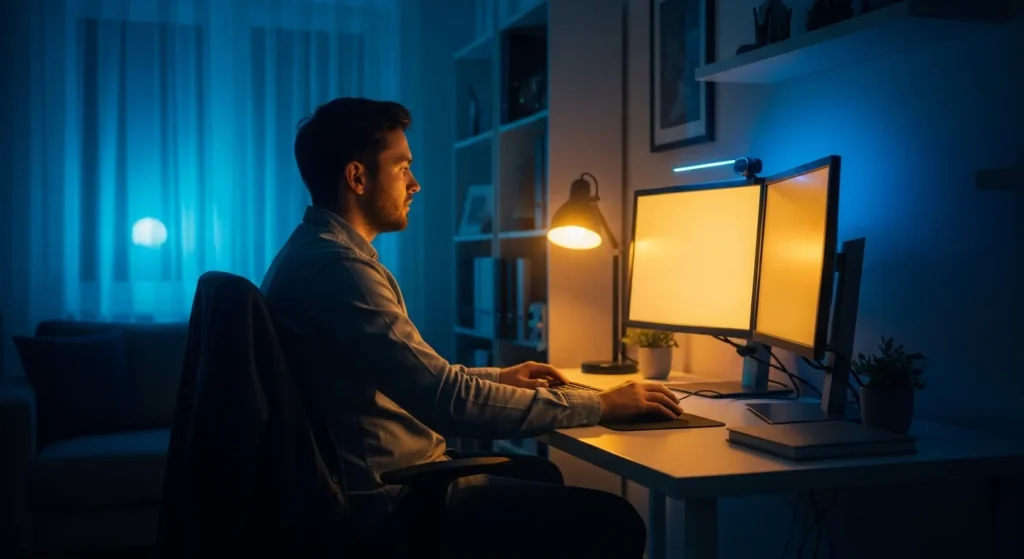
The Evolution of Eye Protection in the Digital Age
As we move through 2026, the average professional spends more time than ever in front of a monitor. This increased exposure has made the blue light filter for computer screen applications more than just a luxury; it is a fundamental requirement for maintaining long-term ocular health. High-energy visible (HEV) light, often referred to as blue light, penetrates deep into the eye, potentially causing digital eye strain and disrupting the natural circadian rhythm of any user who finds himself working late into the evening.
Software vs. Hardware: Choosing Your Defense
When a man decides to protect his vision, he generally has two paths: software-based adjustments or physical hardware filters. Both have distinct advantages depending on his specific workflow and the environment in which he operates.
Built-in Software Solutions
Modern operating systems have integrated sophisticated ‘Night Light’ or ‘Eye Comfort’ modes. These tools allow him to schedule a gradual shift in color temperature as the sun sets. By reducing the emission of shorter blue wavelengths and increasing warmer amber tones, these software solutions help mitigate the suppression of melatonin. When he considers if he should use a laptop with an LCD screen, he often overlooks the intensity of the blue light emitted by the backlight, making these software toggles essential for his daily comfort.
Physical Blue Light Filter Screen Protectors
For those who require a more robust solution, a physical blue light filter for computer screen use offers consistent protection that doesn’t rely on software settings. These overlays are particularly beneficial for professionals working in high-glare environments. A high-quality physical filter can block up to 90% of harmful HEV light while also serving as a privacy shield. For the power user who needs to connect multiple screens to a laptop, synchronizing the blue light filter settings across all displays is essential for a seamless visual experience, and physical filters provide that uniformity without manual calibration.
The Physiological Benefits of Reducing Blue Light
The primary goal of any filter is to reduce the strain on the ciliary muscles within the eye. When a man spends eight to ten hours a day focusing on a bright, flickering light source, his eyes work overtime to maintain focus. This leads to common symptoms such as dry eyes, headaches, and blurred vision. By implementing a filter, he effectively lowers the contrast demand on his eyes, allowing him to stay productive for longer periods without the associated fatigue.
- Improved Sleep Quality: Reducing blue light exposure in the evening helps maintain natural melatonin production.
- Reduced Retinal Stress: Long-term exposure to HEV light is linked to cumulative retinal damage.
- Enhanced Contrast: Many filters provide a slight tint that can actually make text appear sharper against the background.
Optimizing Your Workspace for 2026
Beyond simply adding a filter, a professional must look at his entire ergonomic setup. This includes the distance between his eyes and the screen, the ambient lighting in his room, and the refresh rate of his monitor. In 2026, high-refresh-rate displays are standard, but they still emit significant HEV light. Combining a blue light filter for computer screen with proper ambient lighting—ideally bias lighting behind the monitor—creates the ultimate environment for a man who takes his health as seriously as his career.
Frequently Asked Questions
Does a blue light filter actually help with eye strain?
Yes, by filtering out the high-energy visible wavelengths, it reduces the amount of stress placed on the eye’s internal focusing mechanisms, leading to fewer headaches and less dryness.
Should I use a software filter or a physical one?
Software filters are excellent for color temperature adjustment and sleep hygiene, while physical filters provide consistent protection, glare reduction, and often include privacy features for the user.
Will a blue light filter affect color accuracy for designers?
Most filters will introduce a slight yellow or amber tint. While this is fine for coding or writing, a graphic designer may need to toggle the filter off when he is performing color-critical work.
Can I use a blue light filter on any monitor?
Yes, software solutions work on virtually all modern displays, and physical filters are available in various sizes to fit standard monitor and laptop dimensions.